What is the Sawadika Dance?
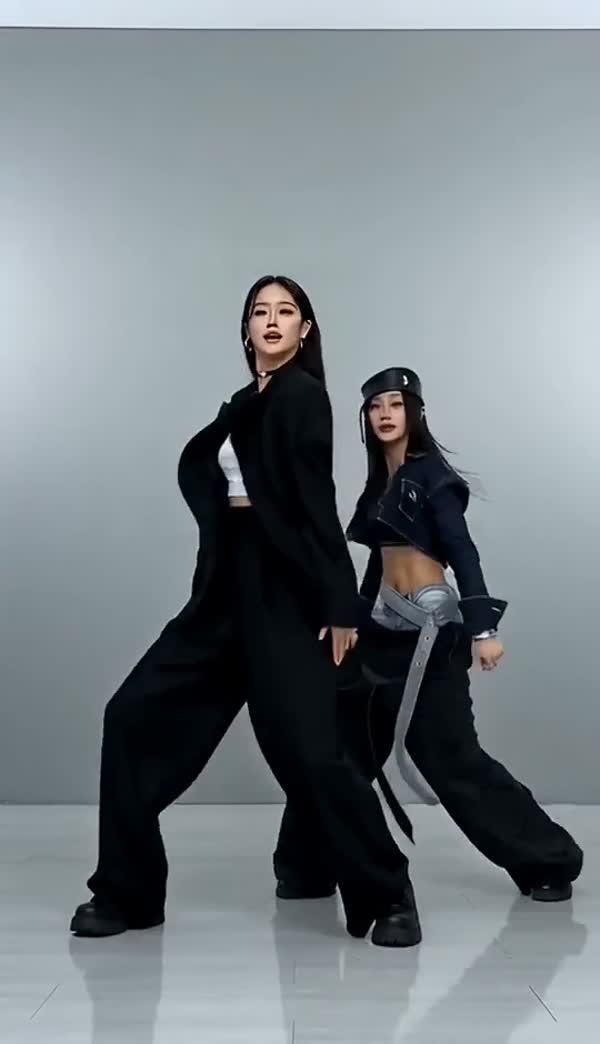
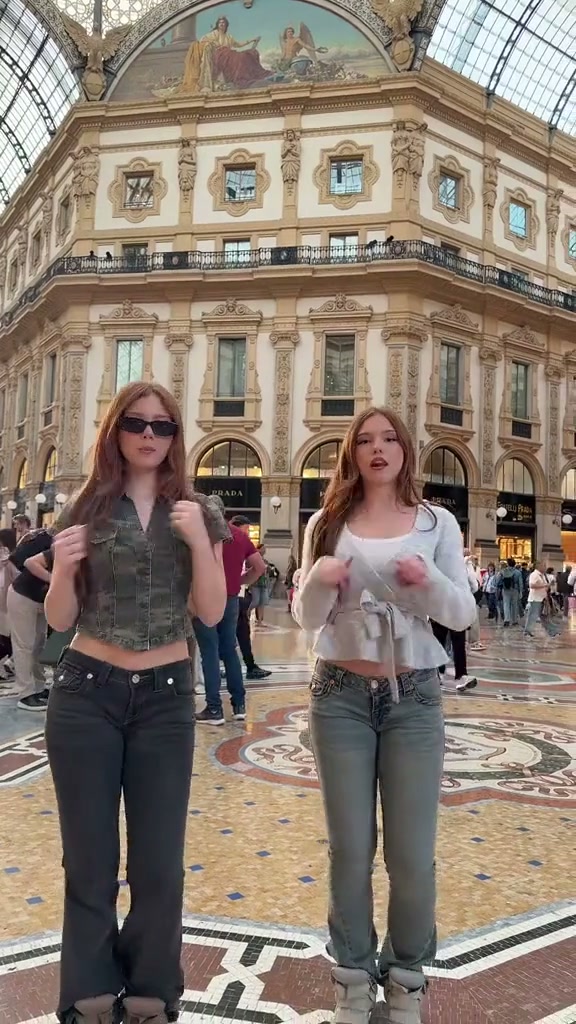
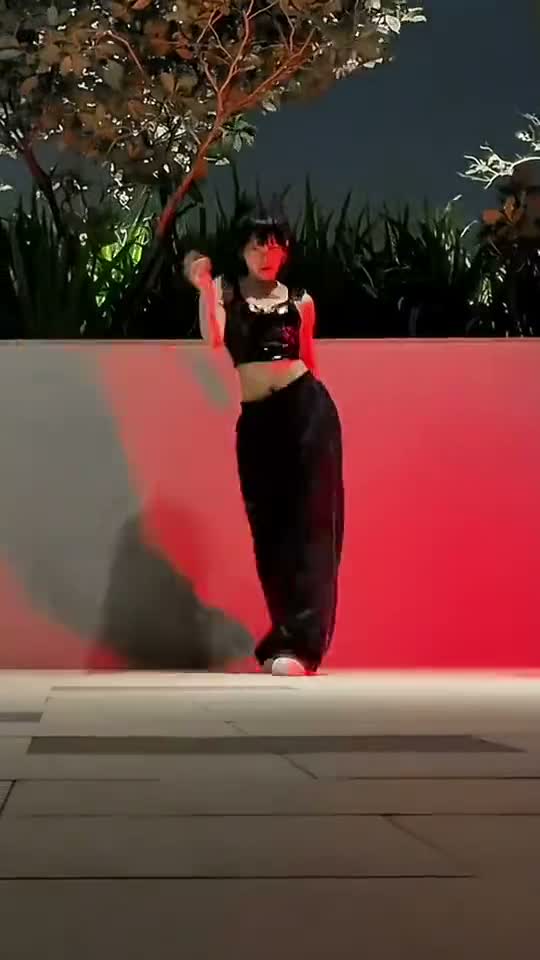
SaWaDiKa comes from sawatdee ka (สวัสดีค่ะ), a Thai greeting used by women. Thai-born LISA filmed the music video in Bangkok; the palms-together wai greeting gives the routine its opening shape. The Sawadika Dance challenge takes the chorus energy of LISA’s SaWaDiKa and turns an ordinary photo into an unlikely dance performance. The recognizable ingredients are the palms coming together, the low stance, the swaying hips and the confident arm shapes. On a person, the joke can be how seriously they commit. On a cat or dog, it is the sudden discovery that the quietest member of the household apparently has a whole routine prepared. The clips above are community references showing that contrast. They help you choose a direction before you spend credits. They are not presented as videos made by this tool, and your result will be a new AI interpretation.
One photo is enough to get started
Choose Person for an adult portrait or Pet for an animal, then add one JPG, PNG or WebP up to 10 MB. You can select and replace the photo before signing in. A temporary draft keeps it in this browser tab when you go through sign-in, so you do not have to start your selection again on returning. Check the photo preview rather than trusting the filename: a group picture and an individual picture can look surprisingly similar in a small camera-roll thumbnail. When the subject and mode look right, sign in, check the current credit cost and start the video. No choreography prompt or reference upload is required.
A photo your friends will recognize
For a person, use a clear picture with one face, natural light and enough of the body visible to understand the outfit. A head-to-toe photo gives the dance more useful information than a tightly cropped selfie. Leave a little room around the hands and feet, since the routine includes raised arms and low movements. Avoid sunglasses hiding most of the face, another person leaning into the frame or objects covering the chest. If your best picture is a portrait, you can still try it, but the missing clothes and legs will be imagined. Choose the image for resemblance first; the scene can supply the party atmosphere later.
Let the pet look like your pet
The pet version works best when the animal is easy to distinguish from its surroundings. A sitting or standing photo showing the head, paws and coat pattern is a useful starting point. Get down to the animal’s eye level instead of photographing only the top of its head. For a dark-coated dog, move toward a window so the eyes and muzzle remain visible; for a fluffy cat, separate the fur from a similarly colored blanket. The animation imagines an upright dance, including paws coming together and small kicks. You do not need to dress the pet up, hold it upright or teach it anything for the camera. A normal, comfortable photo is enough.
What happens during the fifteen seconds
This template requests a 15-second video in vertical 9:16 at 720p. The direction starts with a greeting shape, moves into a low groove, adds arm framing and little kicks, then settles into a final pose. The generated scene uses a room with violet and blue evening light and clear floor space. Your photo supplies the subject; it does not promise to preserve the exact room where the photo was taken. The aim is a recognizable dancer with an amusingly committed performance. Hands, paws, balance and facial detail can vary between generations, and a new attempt may look different. Watch the whole clip before deciding whether it is the take you want to share.
The original chorus is already in your video
Your downloaded MP4 includes the SaWaDiKa chorus excerpt heard in the reference video. The music is added after the dance has been made, so you get that recording rather than a new tune invented for the clip. There is no separate audio file to juggle or song to line up by hand. Save the video, turn up the volume and watch the greeting flow into the rest of the routine. The chorus stays in the file when you send it to a friend. Sometimes the picture is ready before the song has finished adding. Wait for the download to become available. If the music needs another try, use “Check status” on that same video; you won’t be charged for another video. When posting to TikTok, Reels or Shorts, listen to your draft before adding any extra sound so two songs don’t play over each other.
A short joke usually travels better
Give the dance a reason to exist beyond “look what AI did.” A sleepy pet suddenly celebrating dinner, a friend who said they would only stay for one song, or your own Friday face can set up the clip in a few words. Put the setup in the social caption or add it after downloading; this generator does not place text inside the video. Keep any text away from the dancer’s face and the lower area covered by social controls. Let the first greeting remain visible instead of hiding it behind a long title card. If the joke depends on an awkwardly serious expression, use a calm source photo rather than trying to force a broad smile.
Making the dance yourself instead
If you came looking for a Sawadika Dance tutorial, the official performance and individual dance covers are better references for learning the exact counts. First watch the greeting and shoulder level, then the change into the low stance, then the hip and arm accents. Practice each part slowly before connecting them, and keep enough space around you for the kicks. A phone set back far enough to include your hands above your head and your feet is more helpful than a moving close-up. The photo tool is useful when you want a playful version featuring a pet or a person who is not filming a dance. It cannot assess or teach your physical technique.
Check the result before you send it
Download the completed video while its link is available and play the saved file once outside the browser. Look at the opening face, the paws or hands during the greeting, the legs in the low section and the final pose. These are the moments where an AI dance can reveal an extra limb, a shifting marking or an uncomfortable bend. If the image is confusing, try a clearer source photo for a future take. Keep your original downloaded file for sharing; repeated exports and messaging-app compression can soften the face. A short caption acknowledging the AI version also helps friends understand that the pet was never actually made to perform the routine.
Credits, waiting and keeping your file
Selecting a photo and watching the reference clips do not start a paid generation. The create area shows the current credit cost; creating another take is a separate generation. While your video is being made, use the status check for that video. If the connection drops or the outcome is unclear, check again before starting over. If your video fails or is canceled, you get the credits back. Source photos go to the generation provider and are not retained by MemeClip on its server. A sign-in draft is stored locally for up to an hour. Results stay in your account for 30 days; temporary provider links can expire sooner, so save a copy when ready.